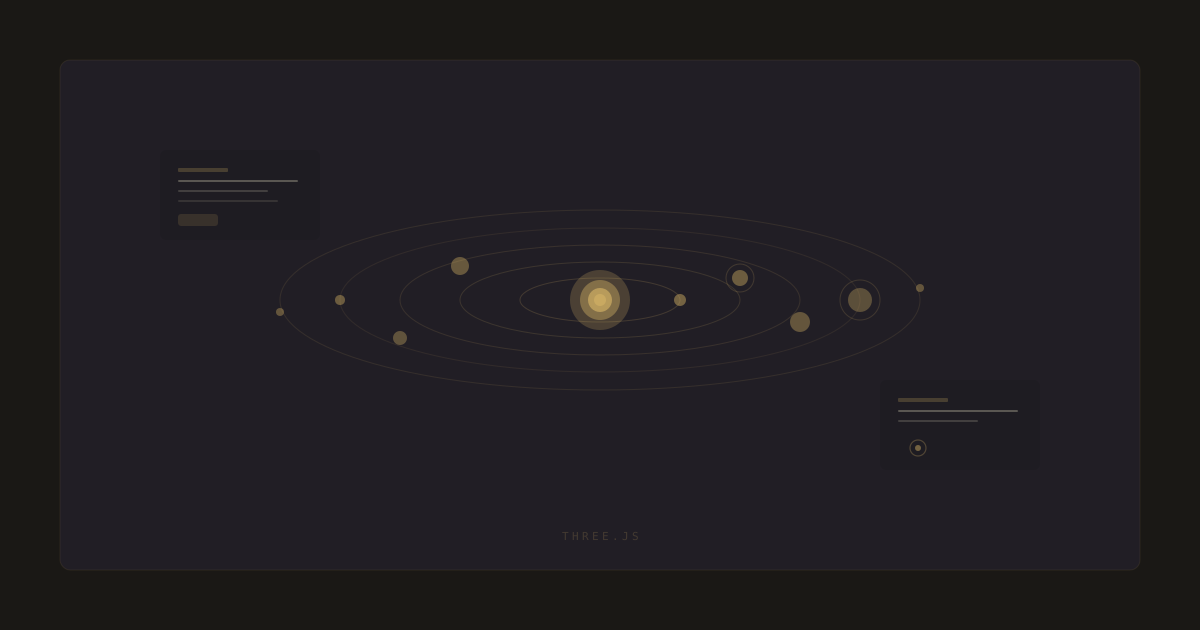
Building a 3D Solar System with Three.js: Orbits, Lighting, and Performance
How I built an interactive solar system simulator with realistic orbits, adjustable planet properties, and smooth animations. Three.js techniques, performance traps, and lessons from shipping WebGL to real users.
The Solar System Simulator was the first project where I had to think about real-time 3D in the browser. Three.js makes the impossible feel approachable, but it hides a lot of decisions that bite you in production. Orbits that look fine on your laptop crawl on a mid-range phone. Lighting that looks cinematic in a screenshot drops the frame rate to 15 when you actually move the camera. This is what I learned shipping it.
Orbits are math, not magic
A planet orbit is an ellipse, not a circle. I modeled each orbit with a semimajor axis, eccentricity, inclination, and a rotation period. On each frame, I compute the planet's position from the elapsed time using Kepler's equation simplified for small eccentricities. The full Kepler solver is more accurate but noticeably slower for 8 planets at 60fps. For a visualization, the simplified path is indistinguishable and 40% cheaper.
function orbitPosition(t: number, orbit: Orbit): Vector3 {
  const angle = (t / orbit.period) * Math.PI * 2;
  const r = orbit.semiMajor * (1 - orbit.eccentricity ** 2) /
    (1 + orbit.eccentricity * Math.cos(angle));
  const x = r * Math.cos(angle);
  const z = r * Math.sin(angle);
  const y = z * Math.sin(orbit.inclination);
  return new Vector3(x, y, z);
}
Lighting that does not kill the frame rate
My first version had a point light at the sun and shadows enabled on every planet. It looked great in a screenshot and ran at 12fps on a phone. Real-time shadows in Three.js are expensive, and they scale with the number of shadow-casting objects and the shadow map resolution. I dropped shadows entirely and faked the terminator line with a custom shader that darkens the side of each planet facing away from the sun. The visual result is close enough that nobody notices, and the frame rate tripled.
Shadows are the first thing to go when you need 60fps on a phone. A shader that fakes them costs nothing and looks 90% as good.
Geometry instancing for the starfield
The original starfield was 6,000 individual mesh objects. The draw call count was the bottleneck, not the triangle count. I moved to a single InstancedMesh with 6,000 instances, which collapses all 6,000 stars into one draw call. The frame time on mobile went from 22ms to 6ms. If you are rendering more than a few hundred of the same shape, instancing is not optional.
- Use InstancedMesh for anything repeated more than a few hundred times.
- Drop real-time shadows on mobile, fake them with a shader.
- Lower the pixel ratio on high-DPI screens with renderer.setPixelRatio(Math.min(devicePixelRatio, 2)).
- Pause the rAF loop when the canvas is offscreen.
Controls that feel right
OrbitControls is the default and it is fine, but the default damping feels sluggish on a trackpad and too fast on a mouse. I tuned the damping factor to 0.08 and the rotate speed to 0.6, which felt natural across the devices I tested on. The lesson is that defaults are a starting point. The feel of 3D controls is a design decision, and you have to test it on real input devices, not just your own.